Browse all
Browse all
Explore Wiser Smart Home​

Discover Wiser Smart Home for electricians: find range information, support resources, and training.

Explore Inspiration & Planning

Browse our Home Inspiration and Design Hub for electrical inspiration, tools, and resources.

Explore Design Professionals

Browse our Design Professionals hub for specification resources for Interior Designers and Architects.

Explore Residential Builders

Browse our Residential Builders hub to find partnership details and resources for builders.

C-Bus download tap not displaying in the download website

FAQ000263831

04 December 2025

SE.com...software tab not showing
The software TAB disappearing is a Browser Cache problem for SE.COM.
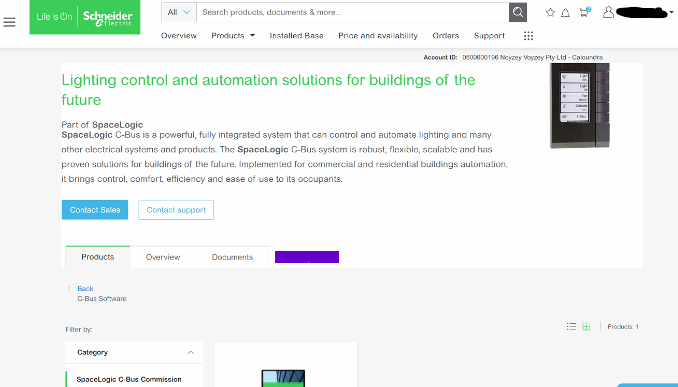

no link tap>link image

It is a fairly simple fix;

This is how to clear your browser cache only for SE.com,  instead of clearing all your cache info for other sites.

Right click> Inspect
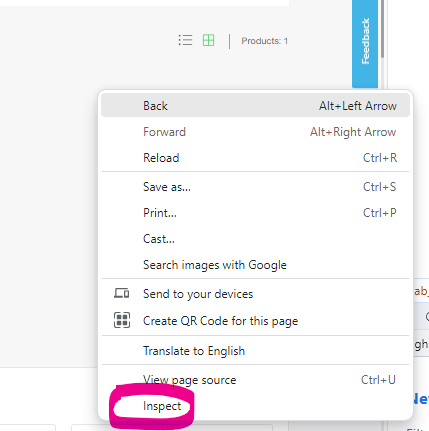
right click short cut

download link

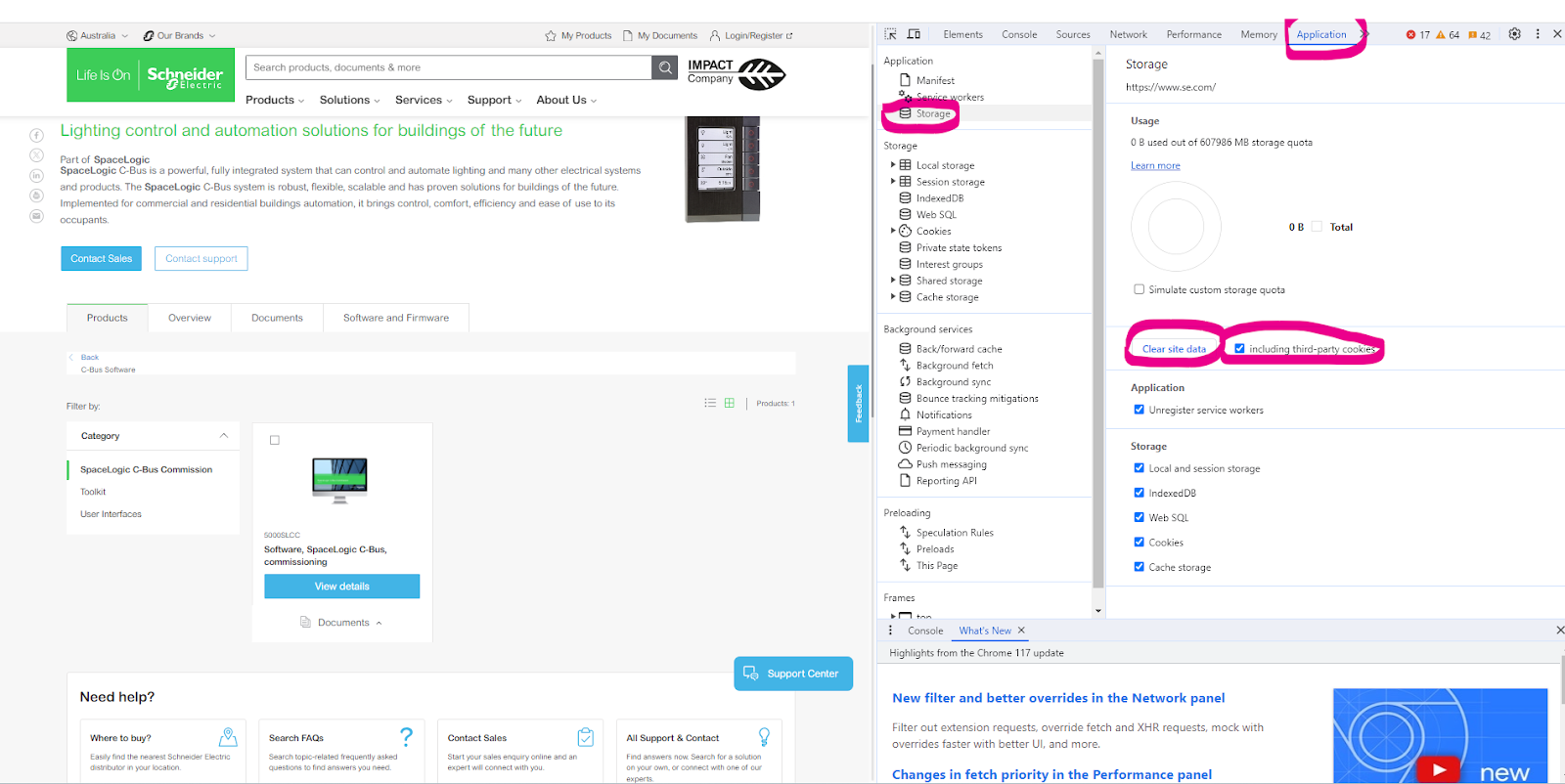
Select Application> Storage> tick including third-party cookies then hit > Clear site data


Another option is to run New Incognito window
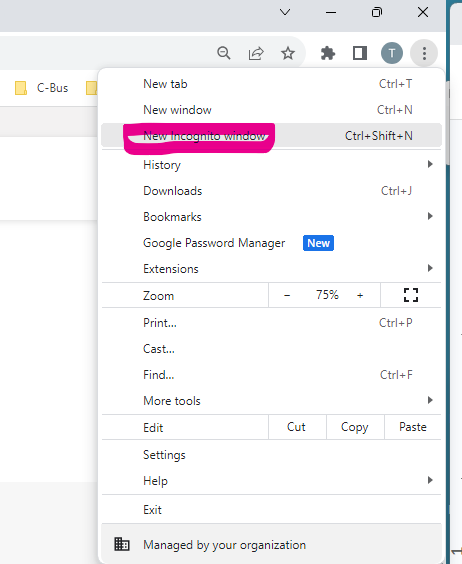
right click

C-Bus software can be sourced from clipsal.com page https://www.clipsal.com/c-bus-software-and-firmware
 
 
;