

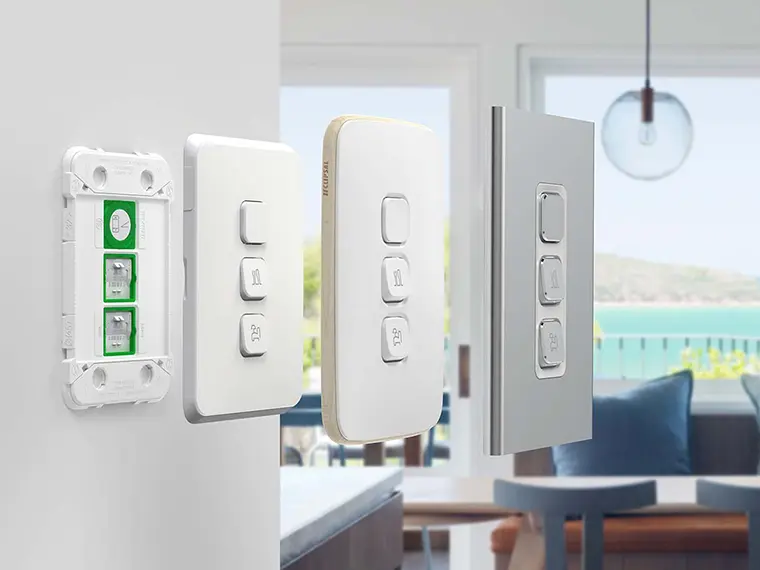
Iconic. Proven to Perform.



After 10 years of being released into the market, Clipsal Iconic has grown into Australia’s most popular range, continuously evolving to make sure sparkies always have smarter and more innovative solutions on hand. With multiple styles available, smart home integration and faster installation, upgrade the look of any home with switches and power points that suit all Australian lifestyles. Explore our latest editions to the Iconic range, below.
Discover New Mechs for Clipsal Iconic
New
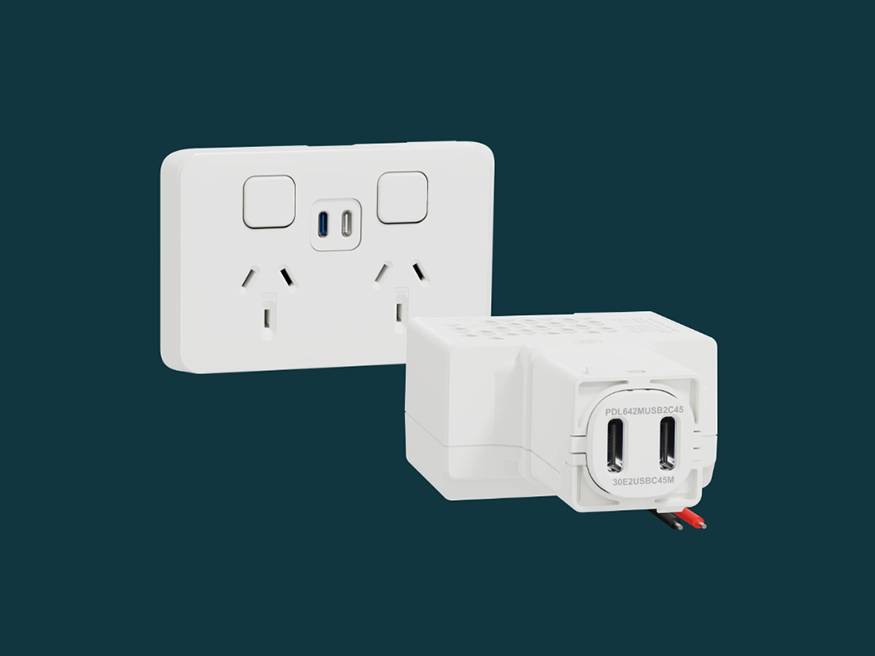
Dual USB-C Chargers
Fast charging has become an everyday home essential. Introducing the highest-rated USB-C Charger by Clipsal, available as mech-only or fully assembled. Add value to your next residential project by offering:
- Faster charging with 65W (also available in 45W) for various devices including laptops.
- Optimised ports, featuring a ’blue tongue’ port for faster charges when using both ports together.
- Easy switching from USB-A to USB-C.
- Temperature monitoring to ensure internal components don’t overheat.

New
Clipsal LED Dimmers
Introducing our new Dimmer range for all LED applications. Available in basic rotary, integrally switched multi-way rotary, push button, and 1-10V DC. Our new range features:
- Comfort with smooth ramp up/down dimming performance with 1-100% LED-optimised digital dimming technology.
- Suited to various dimmable LED fittings to fit various preferences throughout homes (also compatible with Pro Series for cafes, restaurants and more).
- Added confidence backed by a strong 7-year warranty.
New
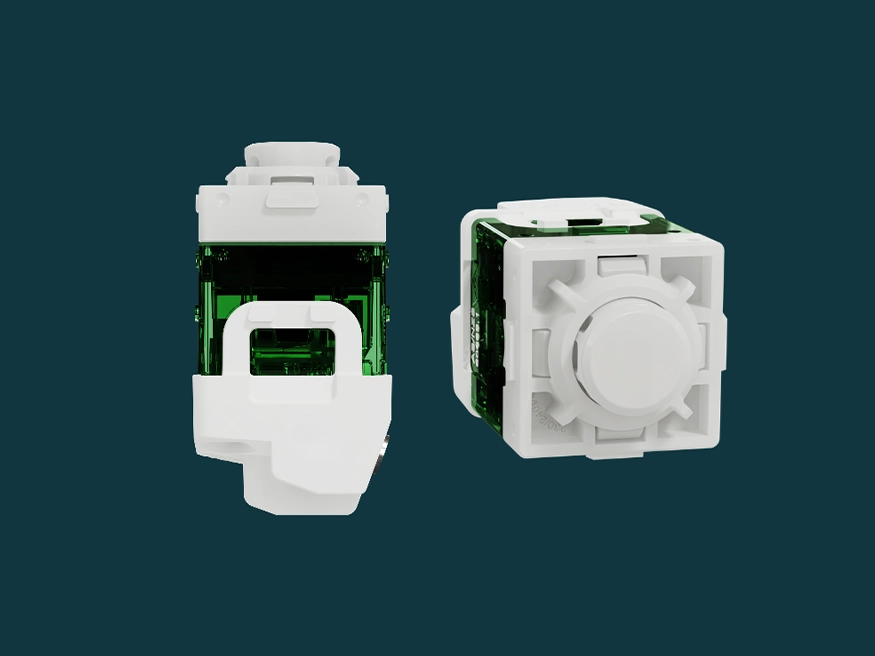
40 Series Push Button Mechs for Iconic
Built on the proven 40 Series range, Clipsal is adding new push buttons to the Iconic range. Available in 3 formats (all 250V): latching 10AX, intermediate 10AX, and momentary 10A push buttons. Featuring:
- Consistent look and feel: consistent and modern interface across multi-gang switch plates.
- Easy installation: Based on the 40 Series mech range, making installation straightforward for existing Iconic sparkies.
- Smart home compatible: Supports easy smart home upgrades with Clipsal Wiser, optimising both looks and functionality within the home.
Discover Clipsal Iconic Switches and Sockets
Iconic
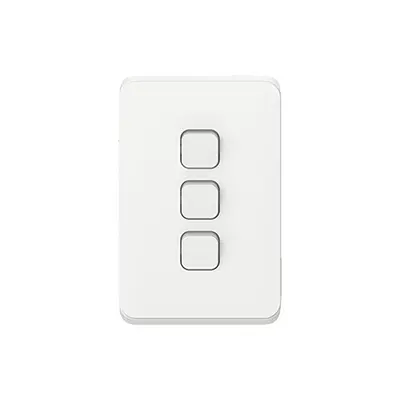
Designed to make your installations stand out, the Iconic range has smooth curved edges and provides homes with a premium, contemporary look that elevates any room. For sparkies, Iconic means faster installs, cleaner finishes and is smart home compatible.
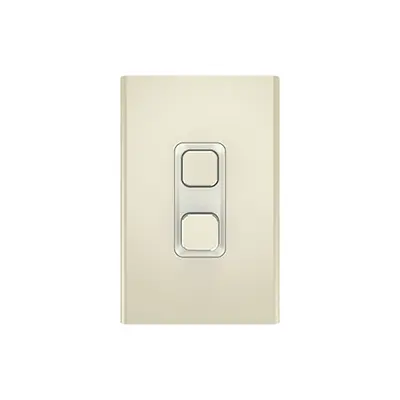
Iconic Styl
Give homes a premium look with Iconic Styl. Its cool-to-touch finish pairs seamlessly with modern splashbacks, gloss tiles, and upscale interiors. Smart‑home ready and easy to upgrade. Available in Silver, Silver Shadow, and Crowne.

Iconic Essence
Featuring a timber surround, Iconic Essence adds a warm and natural touch to all homes. Beautifully pairing with natural materials like timber floors or stone benchtops. The Iconic Essence is smart home compatible and a standout upgrade for any home. Available in Arctic White and Ash Grey.
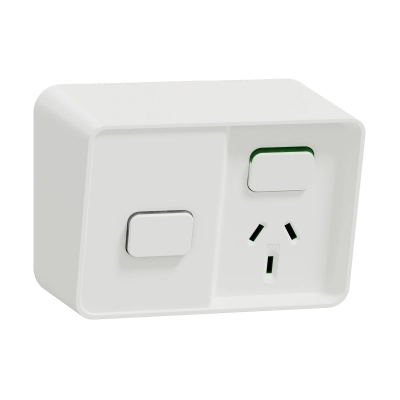
Iconic Outdoor
Our award-winning weatherproof range - proven durability, water & impact resistant, smart home compatible, and built for fast installs. Learn more about Australia’s go to range for outdoor living. Available in Extra White and Black.
Clipsal Iconic Downloads and Resources
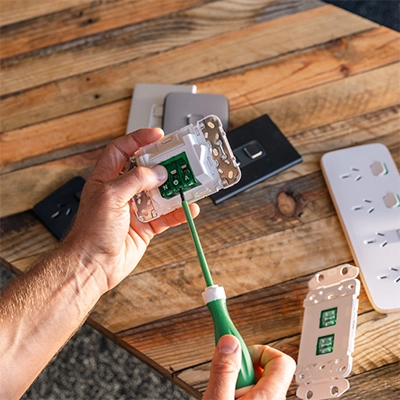
Iconic Electrician Brochure
Download our Iconic Range Overview brochure for electricians. Deep dive into the Clipsal Iconic Range and learn more about installations and design features.
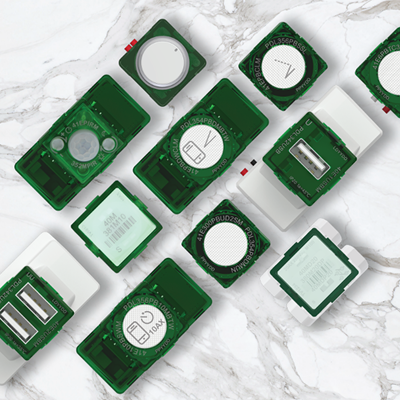
Install Iconic Updates with 40 Series Mechs
40 Series Mechs offer flexible upgrades and add-ons, designed to be used with Clipsal Iconic. No matter what you need, 40 Series can help with its smart capabilities and extensive functions. Check out our 40 Series technical wiring brochure here.
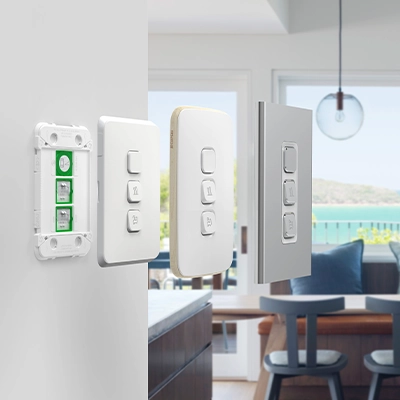
Iconic Builder Tool
Use the Iconic Builder Tool to display the Iconic skins against your homeowners preferred wall colour during consults. Help homeowners visualise their electric home design and easily generate a bill of materials to confidently plan for the job.
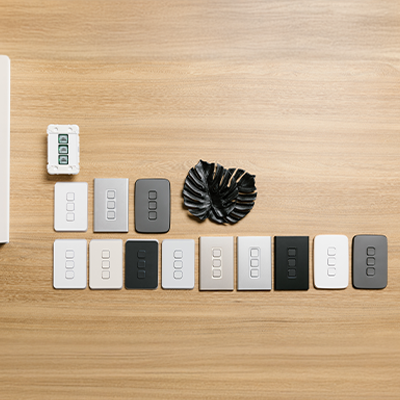
Iconic Homeowner Brochure
Help homeowners find their Iconic. Understand what homeowners are looking for by taking a look at our Iconic Homeowner brochure. Use it as a tool to interact with customers and become trusted electrical advisors in consults.
Discover Clipsal Iconic smart home options
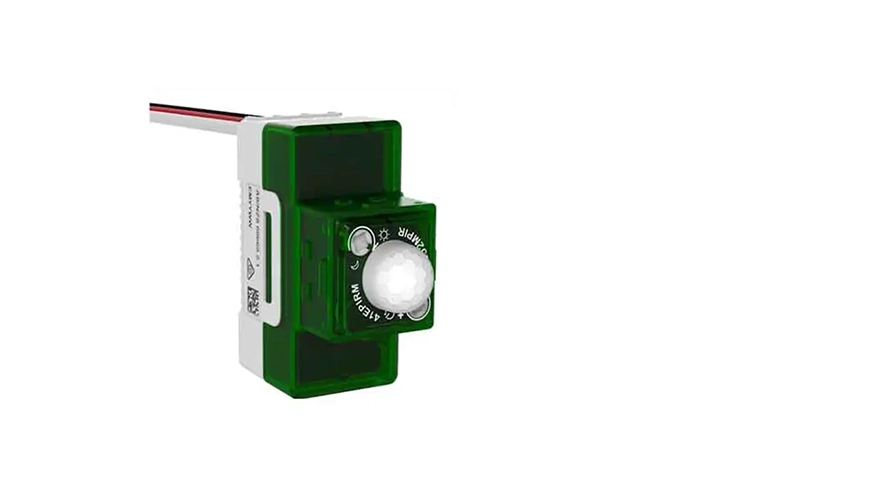
Connectivity with modern day needs
Connect with the smart home of the future.
Providing comfort, convenience and energy saving, the Clipsal standalone electronic and smart connected Wiser mechanisms range are great for every level of smart home.
Discover Clipsal’s mechanisms and find a variety of options, including Night Walk motion-activated night lights, light dimmers, multi-way electronic switches, USB chargers, and more.
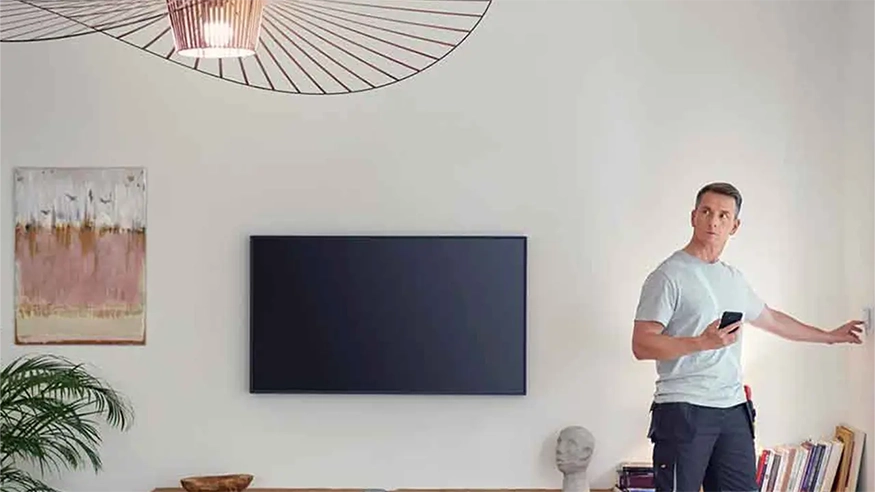
Efficiency through Innovation
Bring clever efficiency into your clients’ homes with Clipsal Iconic® electronic accessories, featuring our own ControlLink technology and Bluetooth Low Energy (BLE) connectivity.
Begin your smart home journey with the Wiser Iconic devices using BLE and the Wiser Room App. ControlLink offers multiway switching and dimming over standard wiring.
The Wiser Iconic mechs include the 10A switch and 300W dimmer with simple in-room control and configuration. Both products offer multiway control, 24hr timer, 24/7 day scheduling and sunset switch functions.
Clipsal Iconic Frequently Asked Questions
What mechs are needed for 2-way switching in the Iconic range?
Hide ShowYou need 2 X 40ML and wire as normal 2 way or
1 X 41E350PBES2SM or 41E10PBSWM and a Control Link Mech 41EPBM-VW or 41EPBCLM-VW ( with LED)
For more information, please refer to the link:
https://www.clipsal.com/products/detail?CatNo=41E350PBES2SM&tab-document-1=0&itemno=41E350PBES2SM-VW
https://www.clipsal.com/products/detail?CatNo=41E10PBSWM&tab-document-1=0&itemno=41E10PBSWM-VW
https://www.clipsal.com/Trade/Products/ProductDetail?catno=41EPBM
https://www.clipsal.com/products/detail?CatNo=41EPBCLM&tab-document-1=0&itemno=41EPBCLM-VW
See Technical wiring brochure for wiring diagrams: https://download.schneider-electric.com/files?p_Doc_Ref=GDE8828600&p_File_Ext=.PDF
What are the slave mechs for 2 and 3 way dimming in the Iconic range?
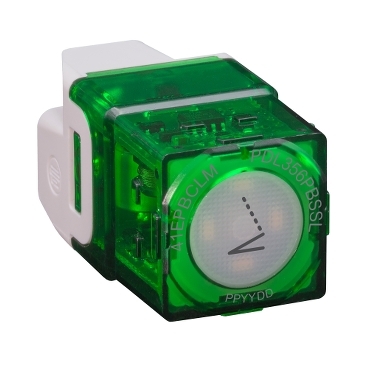
Hide Show41EPBM is a 2 wire device with no LED
41EPBCLM is a 3 wire device , has LED indicator and requires neutral
For more information, please refer to the link:
https://www.clipsal.com/products/detail?CatNo=41EPBM&backto=/search?q=41EPBM&tab-document-1=0&itemno=41EPBM-VW
https://www.clipsal.com/products/detail?CatNo=41EPBCLM&tab-document-1=0&itemno=41EPBCLM-VW
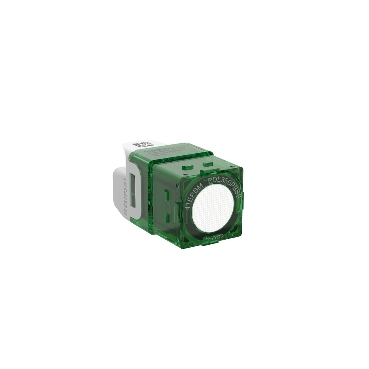
What is the part number of the insulating shroud to suit Iconic mechanism 40M?
Hide Show90FS-BK is the insulating shroud that suits Iconic mechanism 40M.
For further information, please visit https://www.clipsal.com/Trade/Products/ProductDetail?catno=90FS
The icon for my Wiser product is not what I want in Google Home. Can I change it?
Hide ShowChanging the device type will change how it responds to voice commands as it does when changing the name of the device.
Any changes done within Wiser by SE may not immediately transfer across to Google Home. To update your Google Home list, on the Google Home main page, swipe down to refresh your devices.
What has been changed with the new Rotary LED dimmers for Iconic range (40 series) and standard range (30 series)?
Hide ShowBoth dimmers have now been improved and introduce the following new features
- New Digital electronic 2-wire trailing edge design for optimum LED dimming performance
- Kick start for faster LED turn on at low settings
- Mechanically adjustable minimum brightness setting
- In-built short circuit, over current and over temperature protection
- Full range smooth LED dimming from 1 – 100% (load dependant)
- Cleaner look with no markings on the control knobs
Please note that the load ratings have changed for the new version. The new 32ELEDM2-WE and 42ELEDM2-VW are rated to 150W to enable enhanced LED optimised control and dimming performance.
How do I convert Iconic Wiser™ Connected Socket from Zigbee to BLE
Hide ShowSee below video
How do I convert Iconic Wiser™ Connected Switches or Dimmers from Zigbee to BLE
Hide ShowSee below video
Does the Iconic outlets fit the Tal Plus skirting duct?
Hide ShowThe power shrouds (PLPSK) are not large enough for the back of the outlet to fit in.
What shroud would fit the 3025USBC?
Hide ShowWhat is the part reference for the push button dolly for the Wiser Fan Controller?
Hide ShowFor Iconic Styl this is the S40APBF
For Iconic Essence this is the E40APBF
Does 41E300PBUD2SM Iconic push button dimmer do ON /OFF + dimming?
Hide ShowYes, 41E300PBUD2SM is an integrally switched dimmer, with tactile feel push button.
Pushbutton Universal Dimmer Operation:
Short Press :
• Press the pushbutton to switch the light On or Off.
•The dimmer has memory, and will remember the previous dim setting, when you switch the light on. When you press the pushbutton to switch the light Off, the unit will store the current setting in memory.
Long Press :
• Press and hold the pushbutton to dim the light up and down. Release to stop dimming.
• The dimmer will cycle up and down alternately. With a Long Press while the light is On, the dimmer will dim down (decrease brightness) by default. With a Long Press when the light is Off, the dimmer will dim upwards (increase brightness) by default. A subsequent Long Press will dim in the opposite direction.
• Whilst dimming, if the light reaches its maximum or minimum brightness level, dimming stops at that level.
• A single ramp cycle takes about 10 seconds to complete (full range, min. to max.).
• If the pushbutton is not pressed for 15 seconds, the dimmer is set to dim down on the next Long Press.
Note: If the pushbutton is pressed for longer than 15 seconds, the pushbutton dimmer unit will go into Configuration Mode
For further information, please visit https://www.clipsal.com/Trade/Products/ProductDetail?catno=41E300PBUD2SM
Can I retro fit an indicator LED to the 40MI?
Hide ShowWill LED indicators be visible with XB and XW in Iconic?
Hide ShowThe rockers in XB and XW for Iconic have no translucent edge so this will cause the LED indicator to no be visible.
You can consider using the P40MLEDBW which has a window in the rocker, however these are from the Pro Series range and have a different finish and will not exactly match the XB or XW Cover/Skin in Iconic
Do we have a document for Clipsal Iconic cut-out template?
Hide Show
Yes, see the attached file.
1 to 4 gang switch plate cut-out template
5 and 6 gang switch cut-out templates
Architrave switch cut-out temple
Socket cut-out template
4 gang socket cut-out template
Why do I need to update my Iconic Bluetooth devices and why should I change to the Wiser by SE App?
Hide ShowWhat can I do to solve connectivity issues with my Iconic Bluetooth switches (41E10PBSWM and 41EPBDWCLM)?
Hide ShowIs the product Bluetooth capable?
Check your product code and its instructions for confirmation
Is your Bluetooth on and is your phone/device currently connected to any other Bluetooth devices?
If you are currently connected to another Bluetooth item it is recommended to disconnect.
Are you in range of the product?
You should be within 8-10m or be in the same room but it is recommended to stand directly in front of the product.
Are there multiple Bluetooth capable products in a 2 or 3 gang switch plate?
If so, the recommendation is that in a 2-gang plate the top mechanism should be rotated upside down OR in a 3-gang plate rotate the middle mechanism upside down. This can limit interference caused by have the BLE antenna lined up in all the mechanisms.
Is the indicator LED solid Amber/Orange and flashing the same colour when in pairing mode?
The mechanism is in Zigbee mode and will not pair via Bluetooth.
Have you previously connected to the product using the same phone/device?
Make sure the product has been removed from the App and check your phone/device Bluetooth settings and remove it from there also if present.
After all these checks are completed and you are ready to attempt the pairing procedure it is recommended to carry out a factory reset and then power cycle the mechanism. It can also help to restart the App or a full restart of your phone/device
Note: For all information on how to put a product into pairing mode and do a factory reset please refer to the installation instructions for the specific product.
What is part number for screwdriver to suit Iconic?
Hide Showa Square Drive 1 can be used.
Is there a wiring diagram for the 40CSFM 3 Speed fan controller?
Hide ShowThe capacitor values are, Orange = 1.6μF and Purple = 2.3μF.
For further information please visit https://www.clipsal.com/products/detail?CatNo=40CSFM&tab-document-1=0
Schneider Electric (Australia) Pty Ltd reserves the right to change specifications, modify designs and discontinue items without incurring
obligation and whilst every effort is made to ensure that descriptions, specifications and other information in this catalogue are correct, no warranty is given in respect thereof and the company shall not be liable for any error therein.
Browse more Clipsal products and solutions
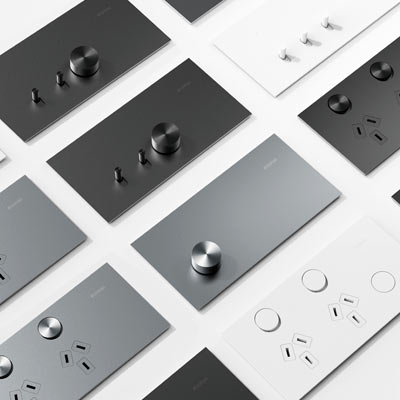
Clipsal Solis™
The Clipsal Solis™ Collection brings your projects to the next level with its blend of modern minimalism and advanced features. Perfect for high-end builds, this range redefines luxury and performance.

Motion & Occupancy Sensors
Improve security and energy efficiency with our motion and occupancy sensors. These sensors provide hands-free control and automation, detecting movement and occupancy for automatic lighting and energy-saving features.
Products and Solutions Overview
Explore our featured comprehensive electrical products and solutions for electricians.